Use case
Remove text from an image
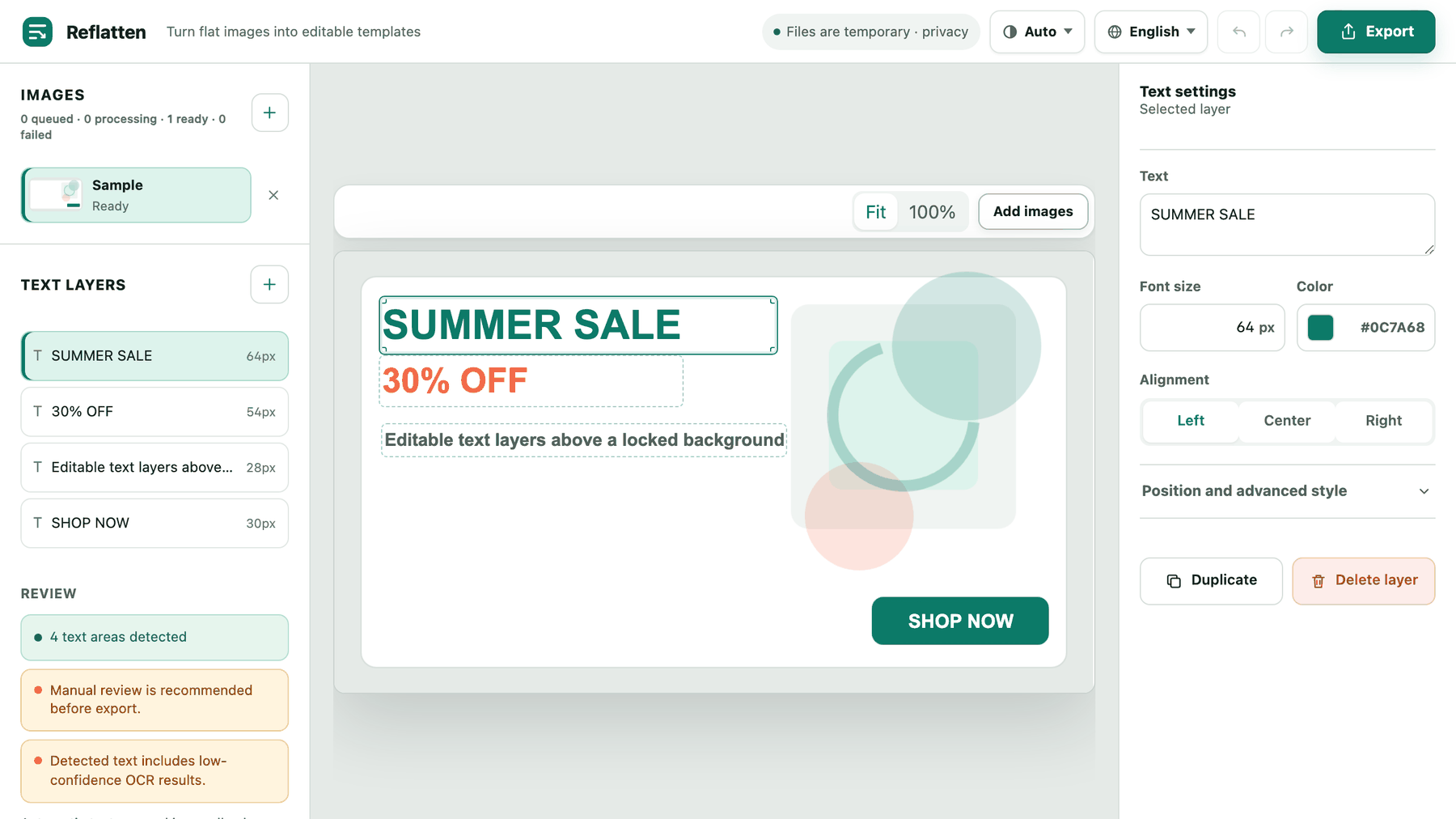
How the removal works
- You pick the areas
Nothing is removed automatically. Detection outlines the text it found and you select the regions you actually want gone, so a logo or a signature that happens to be text can stay.
- The pixels are removed, not covered
The selected region is inpainted: the background is reconstructed where the letters were. That is a different result from drawing a box over the text, which shows up the moment the file is scaled or the fill is a shade off.
- An editable layer takes its place
The same spot comes back as a text layer with the measured size and sampled colour already filled in. Type over it, or delete the layer and keep the cleaned background.
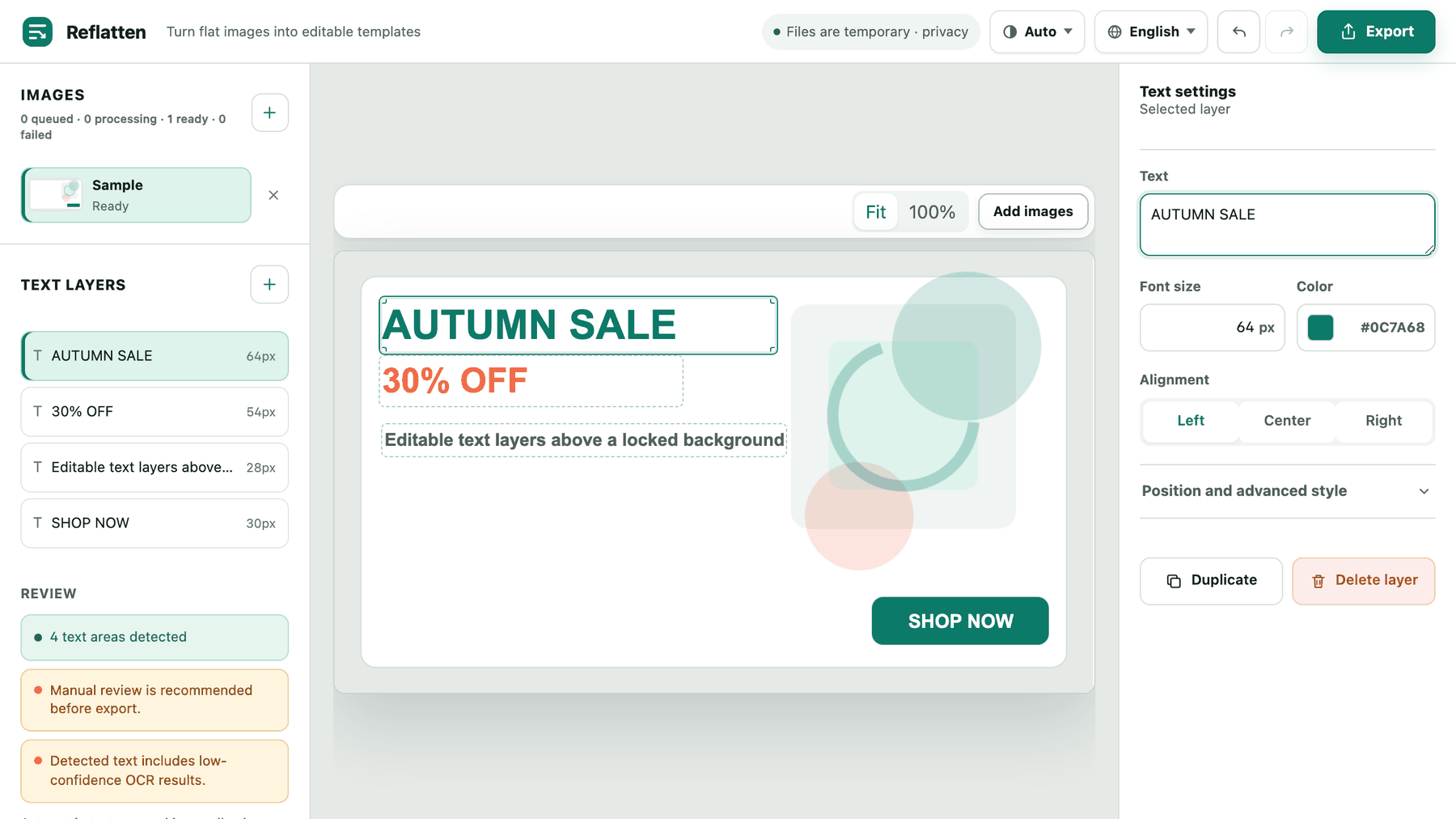
Only the regions you choose
Removal is scoped to the areas you select. Text the detector missed stays in the image, which is why the editor asks you to review the layer list before exporting.
The background is rebuilt, not blurred
Flat colour, gradients, photographic and textured backgrounds are reconstructed from their surroundings rather than smudged over.
Nothing is kept
The image is processed and returned. Files are not stored after processing and there is no account to create.
Where it struggles
- What kind of images has this been tested on?
- Marketing layouts - banners, promotional posters and flyers - measured on a set of twenty Korean promotional images. Photographs, screenshots and dense document scans are outside that set: removal still runs on them, but how clean the result looks has not been measured.
- Will the result be indistinguishable from the original?
- That is not a promise we make. On the tested layouts the rebuilt background showed no visible seam or leftover, but the result depends on what was behind the letters. Check it at full size before you publish.
- What happens to text I do not remove?
- It stays exactly as it was, as part of the image. Removal never runs on a region you did not select.