Upload the image you already have
Start from a flat PNG, JPG, or WebP creative without looking for the original design file.
Drop PNG, JPG, or WebP files here, or choose them from your device.
Free · No sign-up · Files are deleted after processing
Flat image in, editable layers out. No source file — change the text, then export PNG or keep the layers in PPTX.
Workflow
Upload the asset you already have, inspect the detected text regions, adjust the editable layers, and export when the result is ready.
Start from a flat PNG, JPG, or WebP creative without looking for the original design file.
Reflatten turns OCR regions into editable layer candidates and keeps the result reviewable.
Change text in the browser and export a final PNG or an editable PPTX slide.
Browser editing
The editor keeps the uploaded image as the visual base, then places detected copy as reviewable text layers over the canvas.
PNG & PPTX
PNG handles publishing. PowerPoint text boxes keep the copy editable when the next review round happens.
Before upload
Start with up to eight images and send every successfully submitted job straight to the editor.
Uploads are processed for the current job rather than presented as saved projects.
OCR and automatic text removal are useful, not perfect. Detected text layers start from an approximate style you fine-tune, and small or low-contrast text or the cleared background can still need a touch-up.
Use cases
Reflatten is built for the repeat edits that usually get blocked when the original design file is missing.
Marketing creative
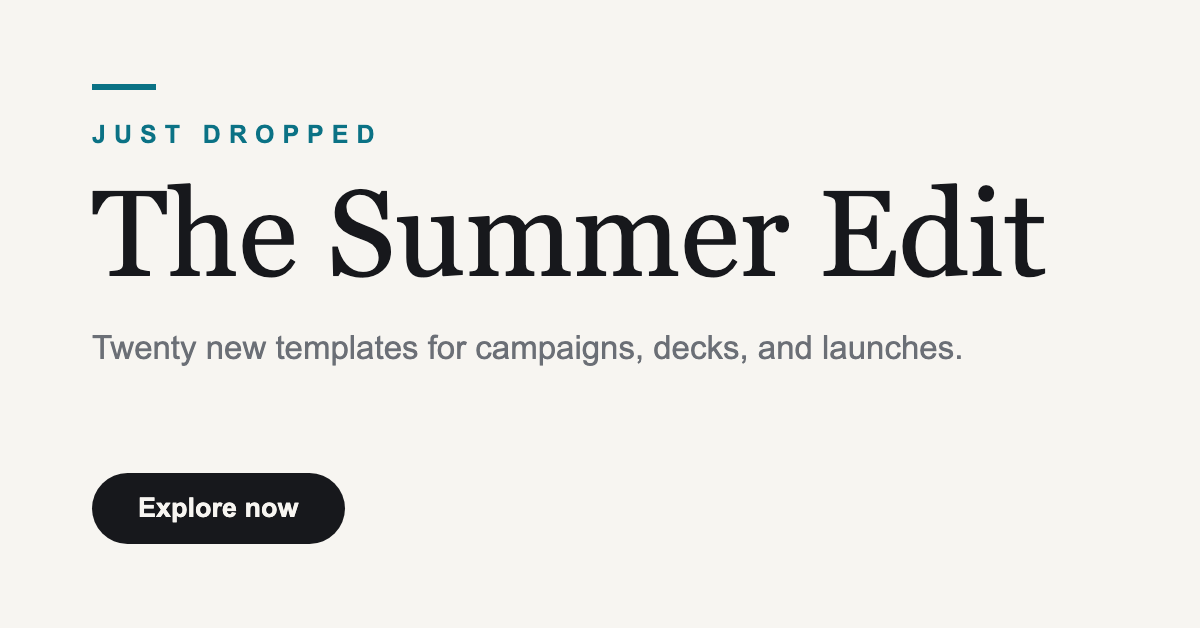
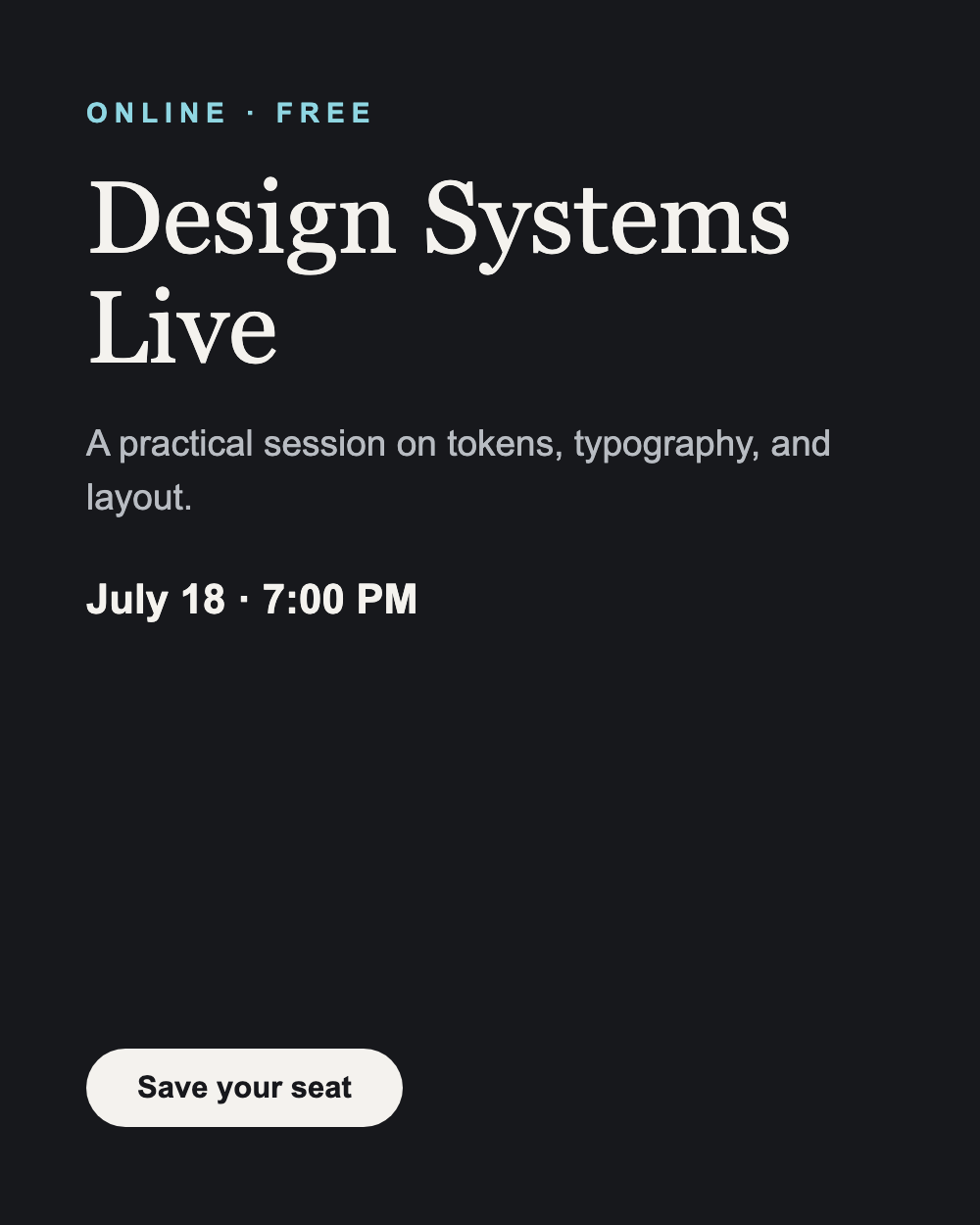
Change a campaign headline, date line, or CTA from a flattened asset.
Text removal
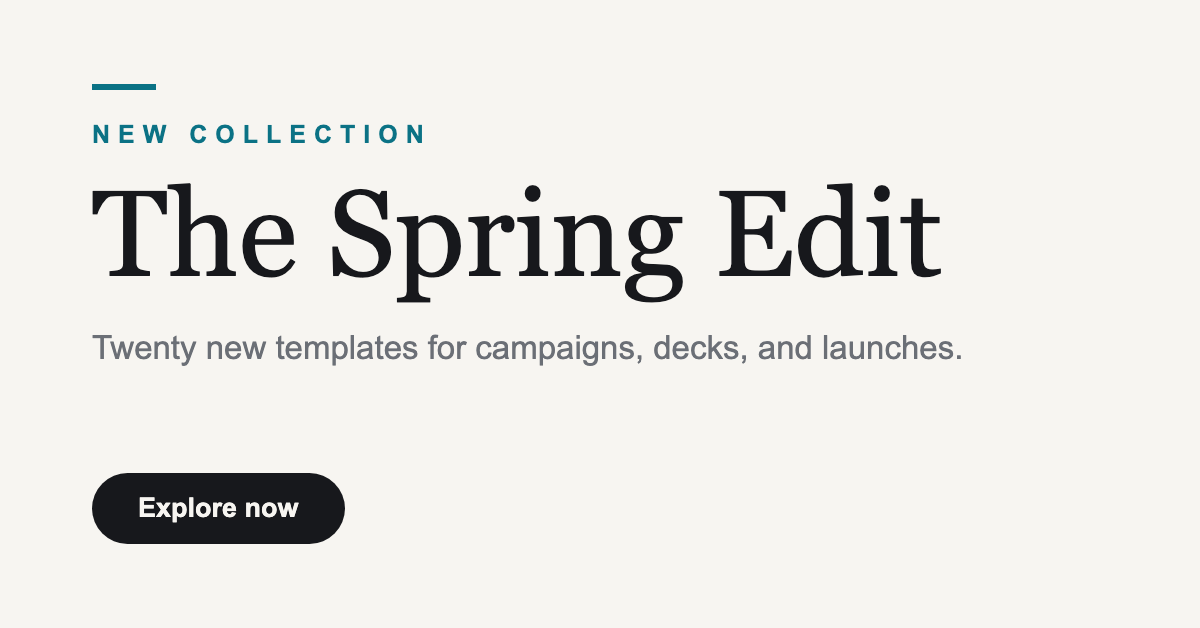
Erase an old date or price where it sits and leave an editable layer in its place.
Presentation reuse
Keep the visual background and move detected text into PowerPoint text boxes.
Repeat operations
Use one batch to check detected layers, update text, and export campaign variants.
FAQ
Reflatten creates editable text layer candidates from detected text areas. Complex typography, tiny text, and low contrast still need review.
Yes. Export the current image or combine all ready images into one PPTX with one image per slide and editable text boxes.
The editor still opens with the uploaded image, and you can add a manual text layer before exporting.
No. Files are processed only for the current job and deleted when processing finishes, fails, or times out. There are no accounts or saved projects.
Yes, as long as you have the rights to the uploaded image. You are responsible for copyright and trademark clearance of the source creative.
PNG, JPG, and WebP images up to 8 MB each, with up to 8 images in one batch.
Start editing
Upload up to eight images and the editor opens each one independently with detected text regions ready to review.
Drop PNG, JPG, or WebP files here, or choose them from your device.
Free · No sign-up · Files are deleted after processing